Latest Posts
![Calibre DRM Removal Plugin: Hands-on Review and Tutorial [2026]](https://images.dvdfab.cn/media/2d0ae14a-d2a6-4e9a-a5b7-09ee7afe0e29_hkex6e.png/public) Calibre DRM Removal Plugin: Hands-on Review and Tutorial [2026]
Calibre DRM Removal Plugin: Hands-on Review and Tutorial [2026]Calibre DeDRM plugin is a third-party Calibre extension that removes DRM from supported eBooks. This hands-on guide explains how to install it, how to remove DRM with Calibre DeDRM plugin, and how to fix common issues.
By Amber Collins - Jun 3, 2026 How to Remove DRM from Apple Books: A Comprehensive Guide
In this article, we will show you how to safely and legally remove DRM from Apple Books using reliable tools. This process lets you enjoy your purchased iBooks on non-Apple e-readers. Along the way, you'll learn how FairPlay DRM works, its pros and cons, and important legal considerations for personal use.
By Amber Collins - May 29, 2026 How to Convert Apple Books to Kindle and Read iBooks Easily
Apple Books and Kindle use separate ecosystems and incompatible DRM. To read Apple Books or iBooks on Kindle, you need to remove Apple's FairPlay DRM first, convert the books to EPUB or AZW format, and then transfer the iBooks to your Kindle via the Send to Kindle service or USB. This article will provide a detailed, step-by-step tutorial on how to read Apple Books on your Kindle.
By Amber Collins - May 29, 2026 9 Best AI Voice Cloning Tools of 2026: Tested & Rated
Still struggling to find the best voice cloning AI tools? Overwhelmed by the countless options? Read this article to explore 9 best AI voice cloners based on my real tests, each tool's strengths and weaknesses to help you find the perfect voice cloning solution.
By Amber Collins - May 28, 2026 Kobo vs Kindle: A Real-World Comparison After 6 Months of Testing
After my hands-on Kobo vs Kindle testing, I found that both e-readers have their own strengths. Kindle still works best for Amazon-first readers who value syncing, Kindle Unlimited, and X-Ray, while Kobo feels better for readers who want EPUB support, a cleaner interface, easier sideloading, and stronger long-term control over their books.
By Amber Collins - May 28, 2026 How to Download Google Books as PDF: 3 Effective Ways in 2026
To download Google Books as PDFs, the right method depends on whether the book is available in Full View, Preview, or your Google Play Books library. This guide explains how to download Full View Google Books, export Preview pages with a free Google Books Downloader, and save Google Play Books as PDFs, covering all your Google Books download needs.
By Amber Collins - May 27, 2026 Nook vs Kindle: Which E-Reader is Right for You in 2026?
Many people struggle to decide between Kindle and Nook. To clear up the confusion, this hands-on Nook vs Kindle comparison looks at how both e-readers perform in real reading use, from hardware feel and software experience to format support, book ecosystems, and everyday convenience.
By Amber Collins - May 26, 2026 Kobo Plus vs Kindle Unlimited: Who Comes Out on Top in 2026?
Kobo Plus vs Kindle Unlimited, which stands out for eBooks enthusiasts? This artical sheds light on a comparsion between these two leading eBook subscription service from all-sided perspectives, enabling you to make the best choice efficiently.
By Amber Collins - May 26, 2026 How to Download Readly Magazines as PDF or EPUB for Offline Reading
This guide shows how to download Readly magazines for offline reading. You'll learn the difference between app downloads and local files, then follow simple steps to download Readly magazines as PDF or ePub with BookFab.
By Amber Collins - May 25, 2026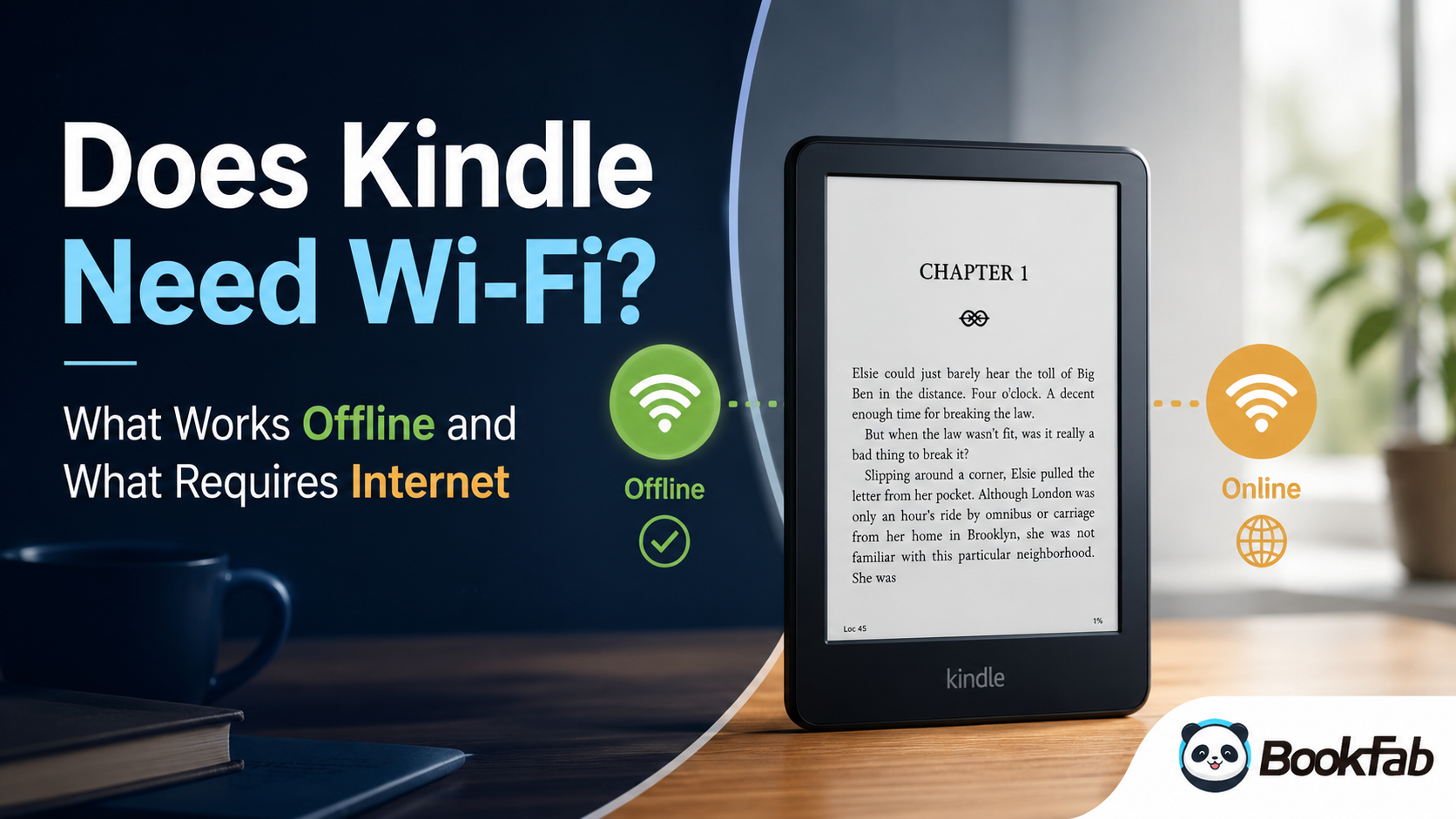 Does Kindle Need Wi-Fi? What Works Offline and What Requires Internet
You can read downloaded Kindle books without Wi-Fi, while new downloads, syncing, Kindle Store access, and software updates need internet. This guide compares what you can do with Wi-Fi and without Wi-Fi, plus how to prepare Kindle books for offline reading.
By Amber Collins - May 20, 2026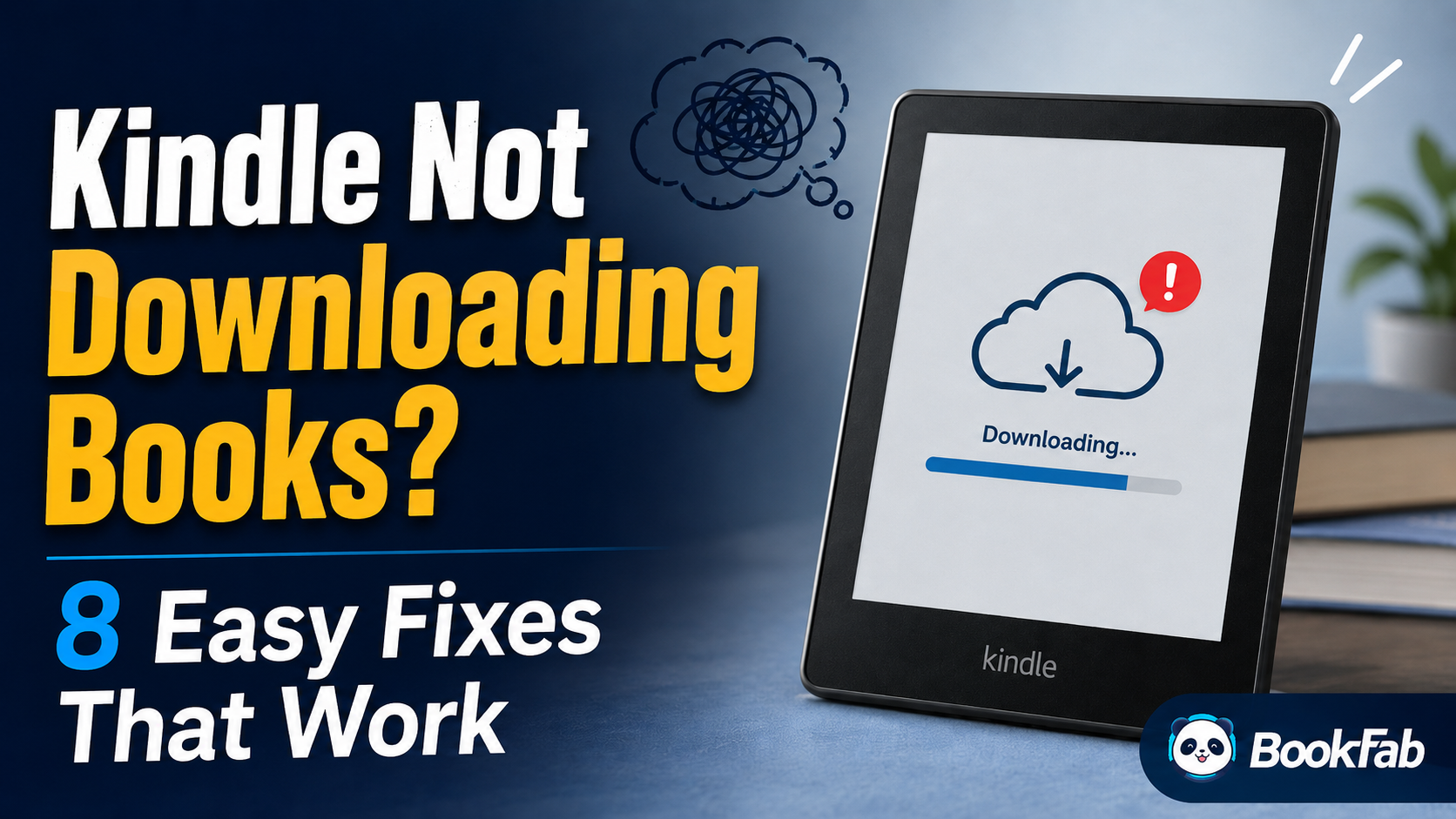 Kindle Not Downloading Books? 8 Easy Fixes That Work
To fix a Kindle book not downloading, cancel the stuck download and retry it first. If the book still stays queued, restart your Kindle, reconnect to a stable Wi-Fi network, and tap Sync to refresh your library. This article walks through 8 practical fixes for Kindle book not downloading issues, from basic connection and sync checks to account, delivery, storage, and older-device problems, so you can identify the real cause and get your book downloaded again.
By Amber Collins - May 20, 2026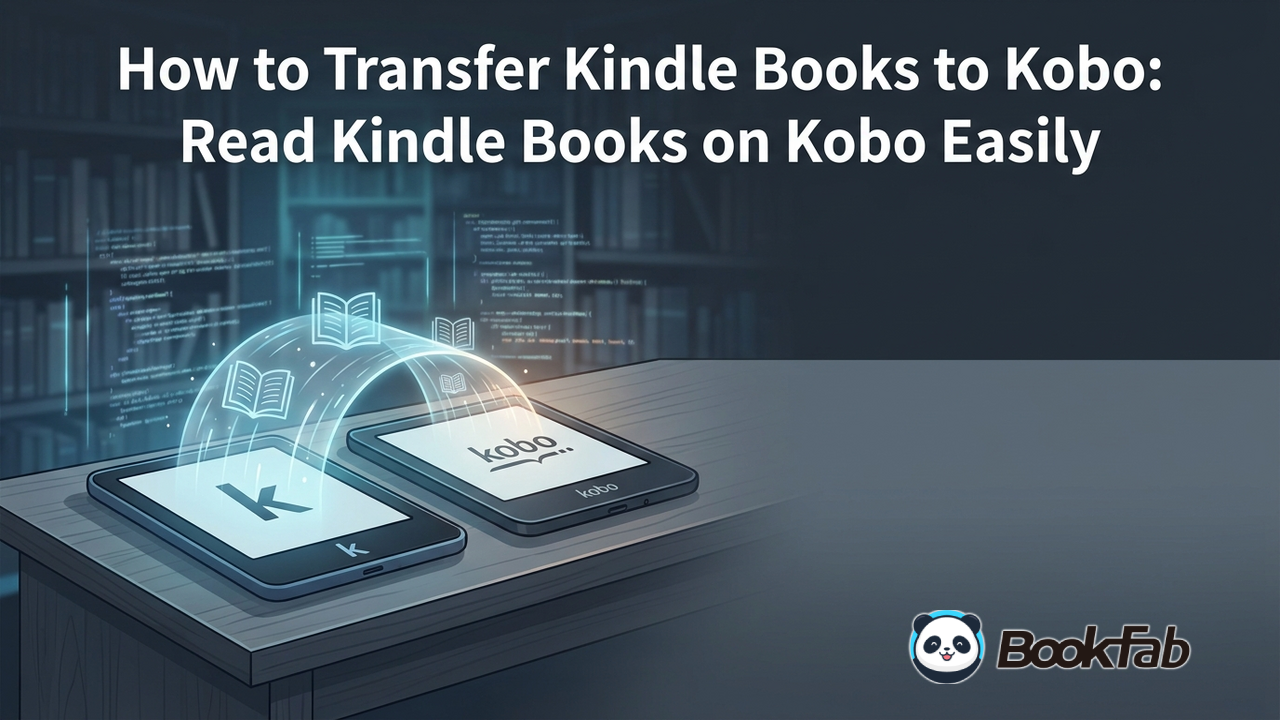 How to Transfer Kindle Books to Kobo: Read Kindle Books on Kobo Easily
To transfer Kindle books to a Kobo, download your Kindle books to your PC, convert them to EPUB format, and then send the converted files to your Kobo device via USB. This guide explains how to get Kindle books on Kobo in two cases: converting DRM-protected Kindle books, and directly transferring DRM-free files to Kobo.
By Amber Collins - May 20, 2026