Convert Kobo Books to Unprotected EPUB & PDF

Break Restrictions

Full DRM Removal for Kobo eBooks & Kobo Plus Titles

BookFab Kobo Converter automatically removes DRM protection from both purchased Kobo eBooks and Kobo Plus subscriptions, giving you complete control over your digital library. It guarantees that your books—including borrowed Kobo Plus titles—can be read freely on any device, app, or platform. No longer locked into a single ecosystem, you can now convert your Kobo Plus rentals into permanent personal collections that remain accessible even after your subscription ends.
Full DRM Removal for Kobo eBooks & Kobo Plus Titles
Unprotected EPUB & PDF Formats

Convert for Cross-Platform Compatibility

Encrypted Kobo eBooks can be seamlessly converted into the widely supported EPUB and PDF formats, an open standards ideal for broad device compatibility. With these flexible formats, you can enjoy your books across all major eReaders, mobile apps, desktop software, standard PDF readers, and future platforms — no vendor lock-in.
convert kobo to epub
Comprehensive eBook Management

Best Companion for Calibre

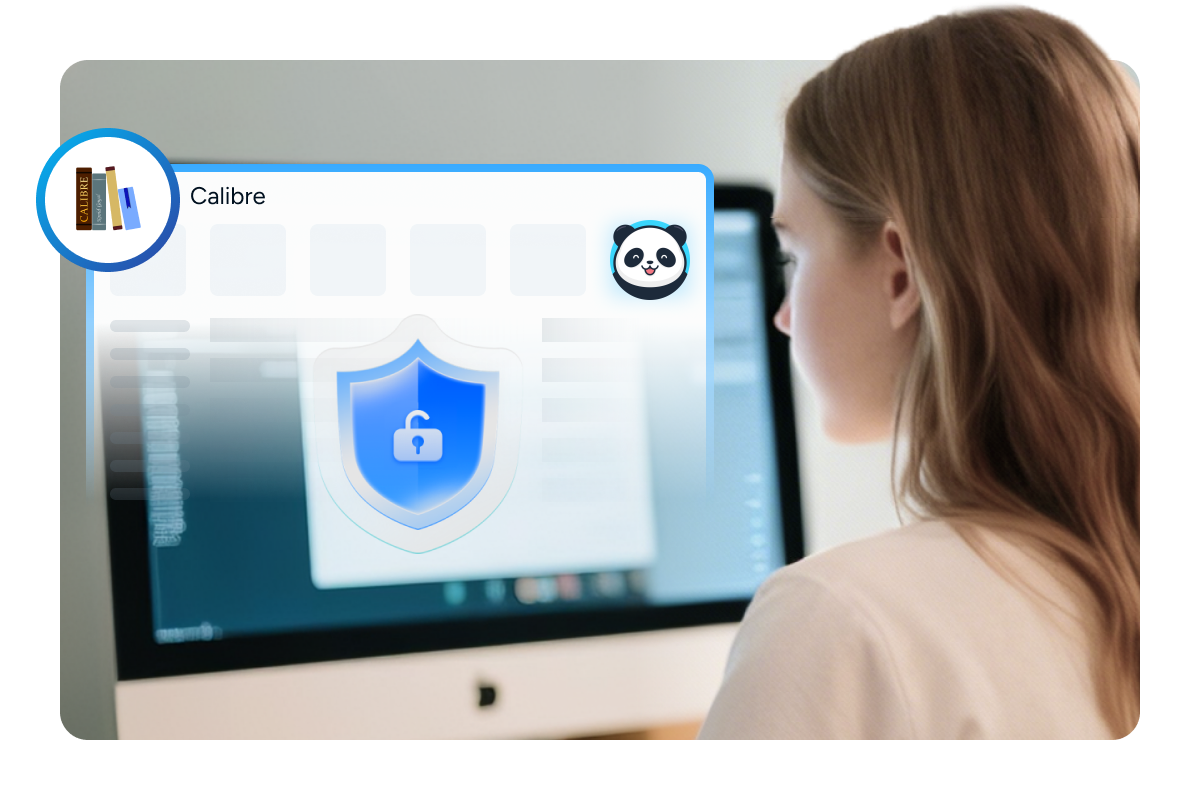
BookFab seamlessly integrates with Calibre to optimize your eBook management. You can directly download Kobo eBooks via BookFab, then effortlessly remove DRM protection with support for the latest eBook releases. The DRM-free EPUB or PDF files are ready to be imported into Calibre for advanced organization and management.
Upcoming plans include offering a Calibre Plugin to enable even smoother workflow, making BookFab the ideal companion for Calibre.
work with Calibre to optimize ebook management

More Features of BookFab Kobo Converter

Direct Kobo Workflow

Built-in Browser for Seamless Workflow

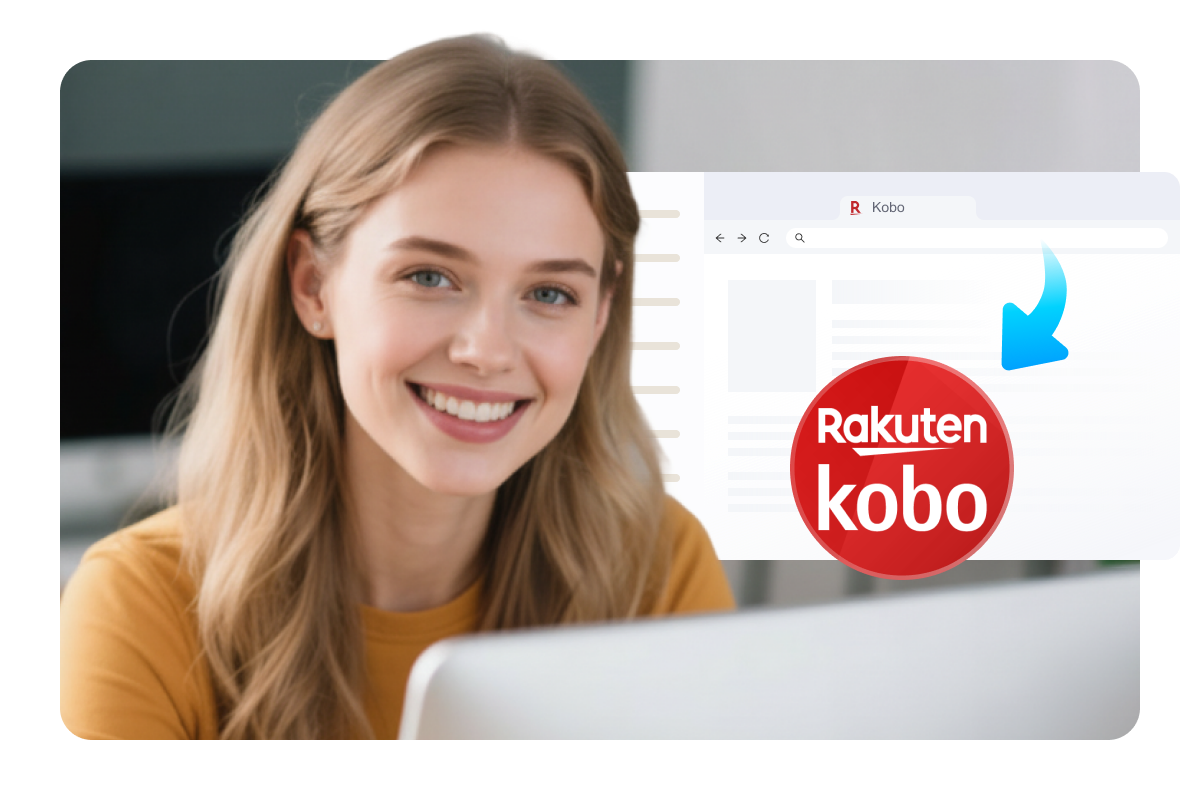
BookFab includes a built-in browser that allows you to log into your Kobo accounts directly within the software. This streamlined access to your personal Kobo library makes it easy to locate, select, and convert your eBooks without switching between tools.
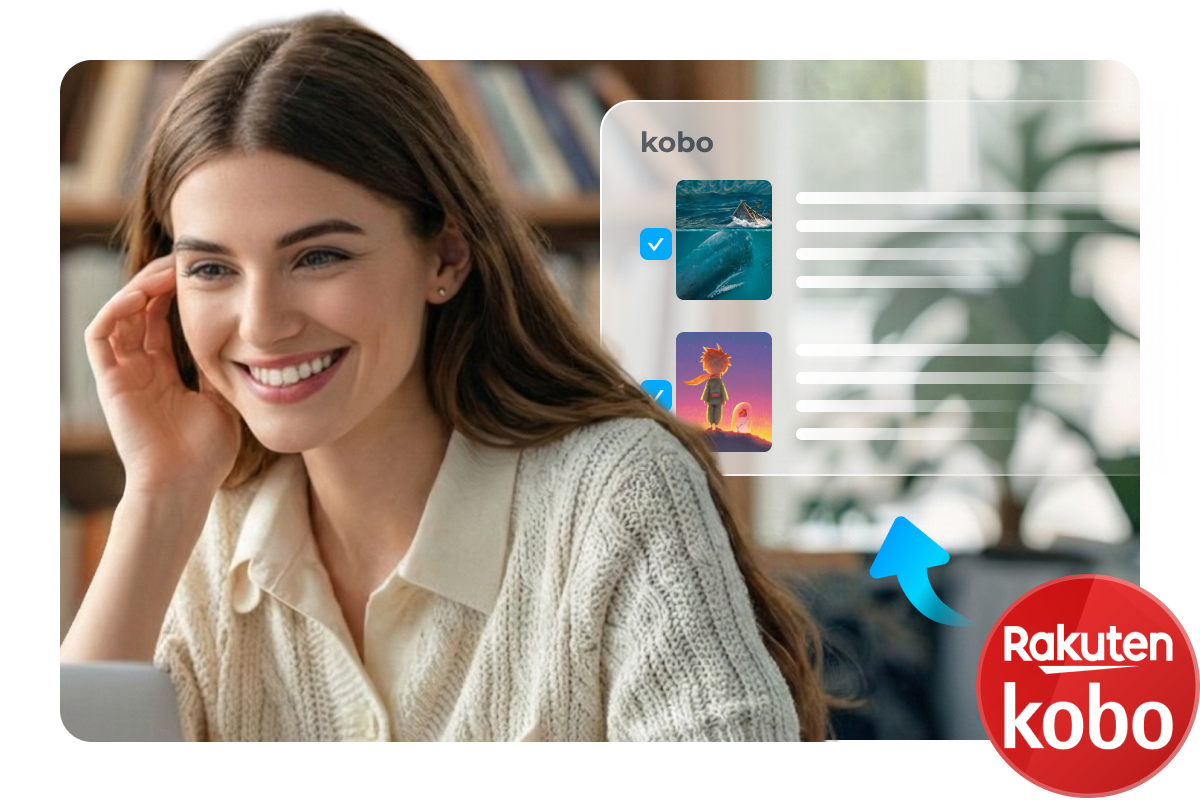
easy kobo library access
Original Details Preservation

Preserve eBooks Metadata and Quality

The converter preserves original titles, authors, and high-resolution cover art during the process, ensuring your local library mirrors the Kobo store for consistent organization across devices. Metadata remains fully intact, allowing you to enjoy a professional-looking collection with seamless navigation and familiar browsing on any eReader.
Preserve eBooks Metadata and Quality
Advanced Batch Manager

Streamlined Multi-Tasking with Unified Download Management

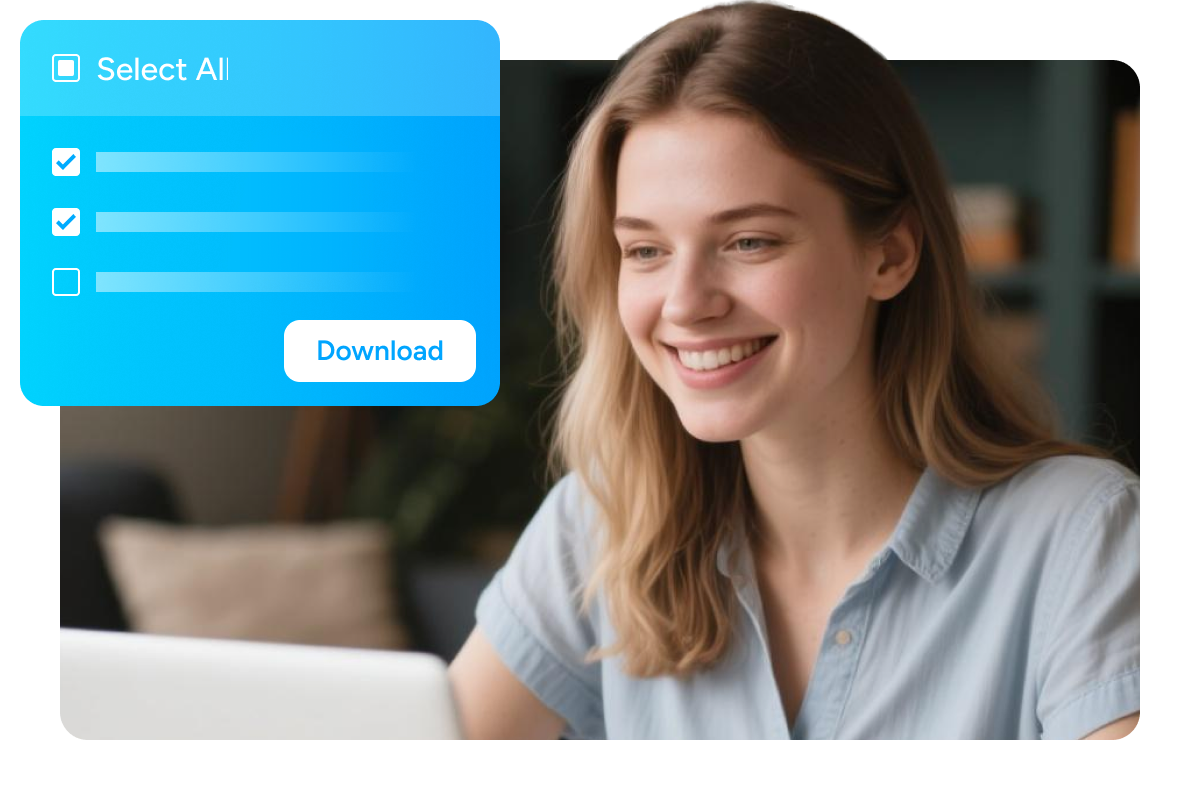
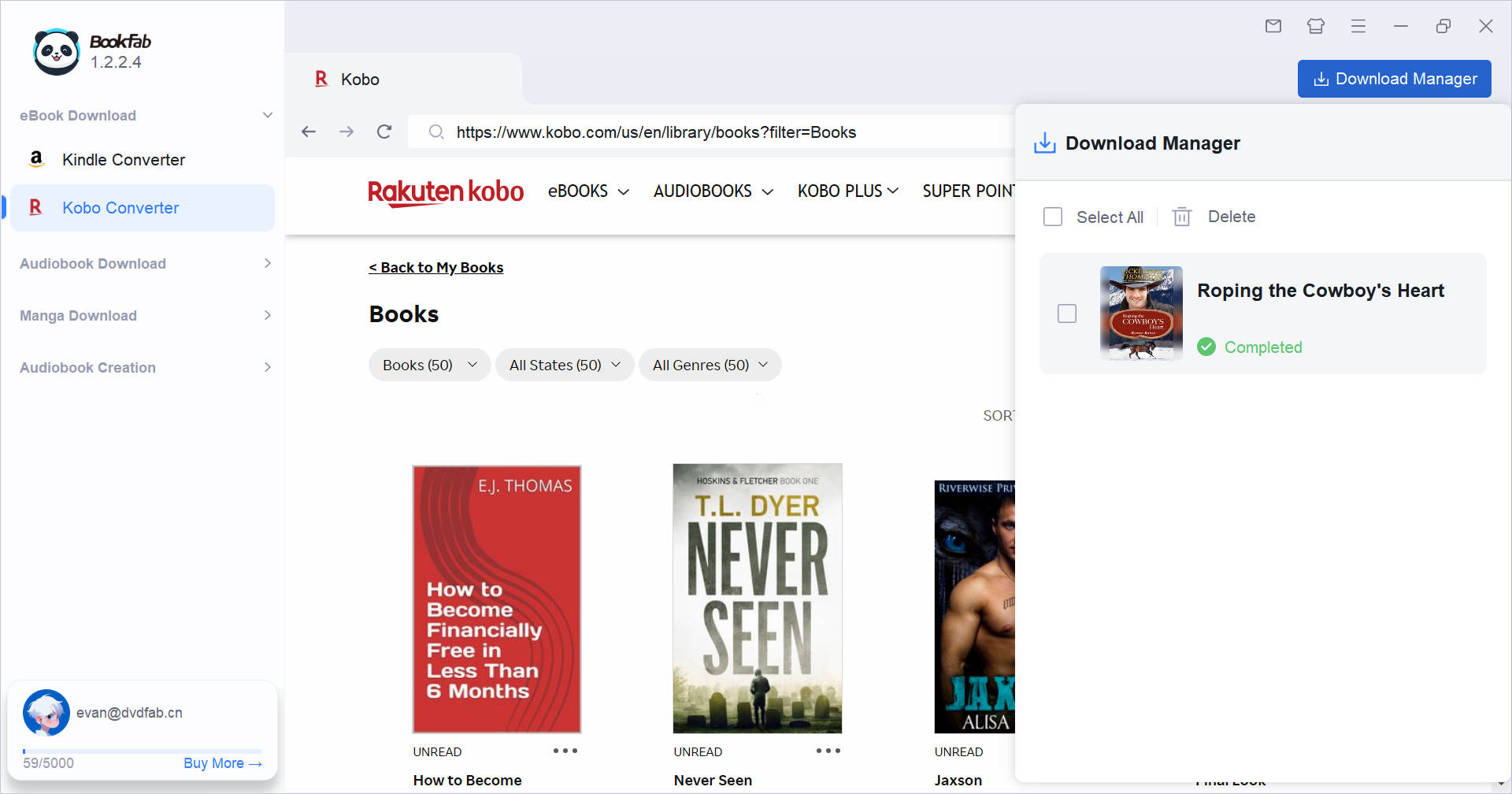
The unified Download Manager lets you queue multiple Kobo eBook downloads directly through the built-in browser, monitor task progress in real-time, and apply bulk actions—such as "Select All" for batch processing or deletion—to keep your digital library perfectly organized.
Streamlined Multi-Tasking with Unified Download Management
Text to Audio

Create Audiobook via BookFab Suite

For those who prefer listening, BookFab Kobo Converter connects seamlessly with BookFab Audiobook Creator. With a single click, you can transform any eBook into a natural-sounding audiobook — ideal for on-the-go learning or immersive storytelling.
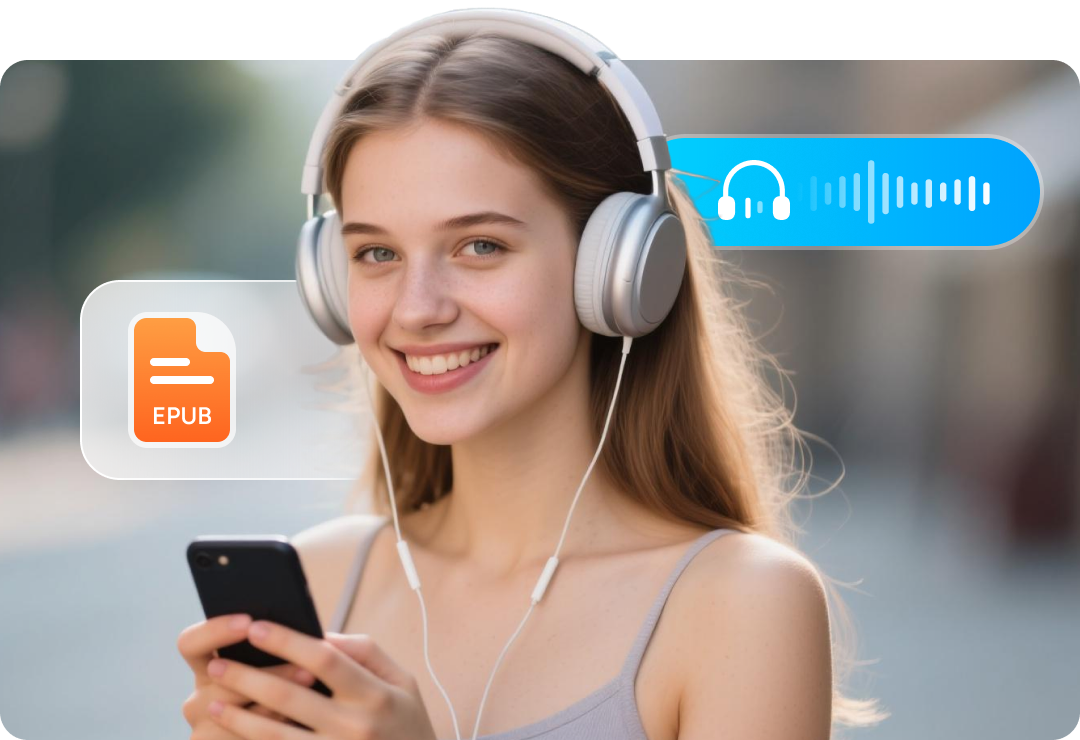

convert kobo ebook to audiobook

What Users Say About BookFab Kobo Converter

log in to kobo
Step 1. Launch BookFab and Open Kobo Converter
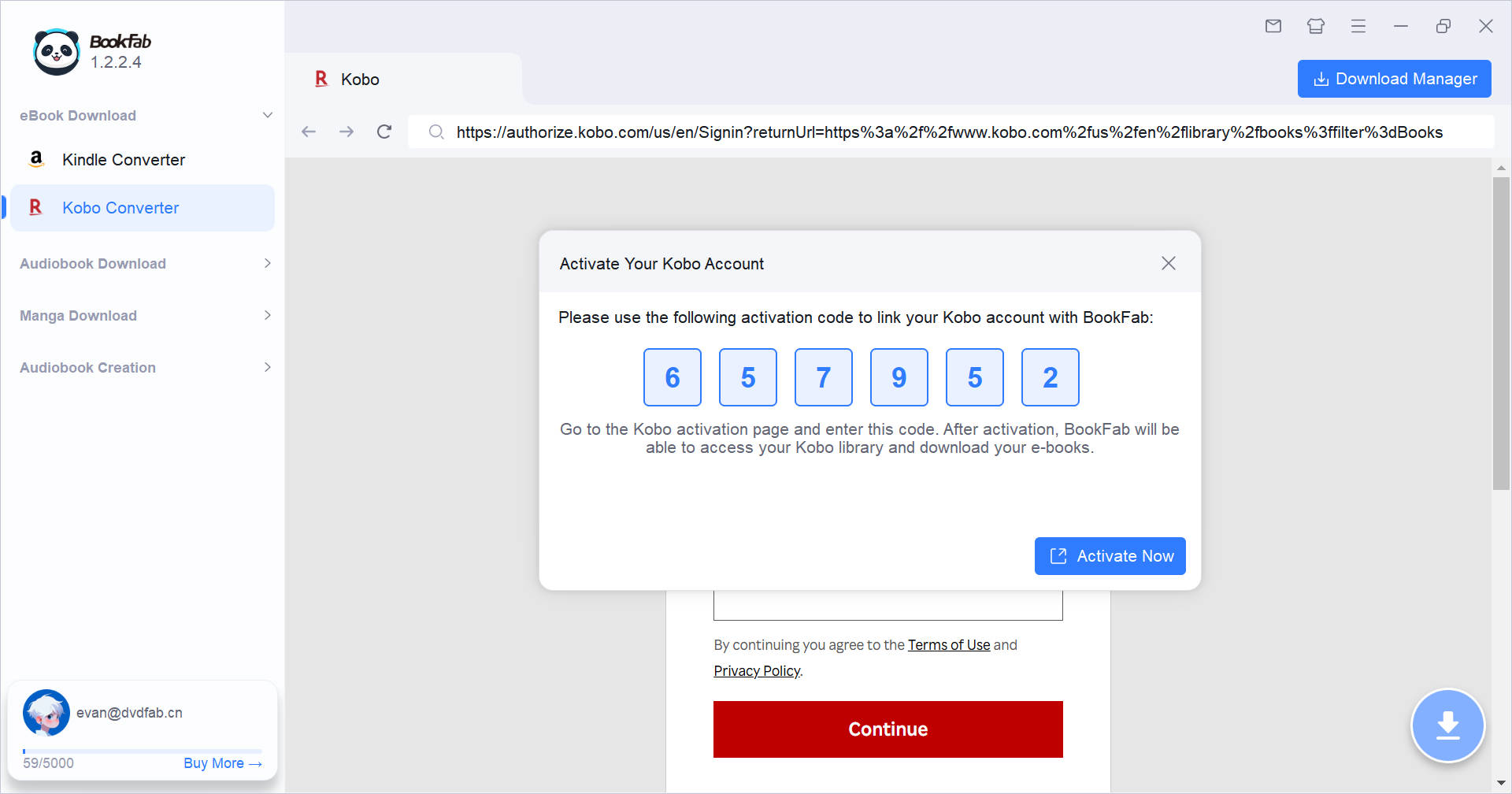
Launch BookFab and open "Kobo Converter" from the left sidebar. The Kobo website will load in the built-in browser. If this is your first time using Kobo Converter, BookFab will ask you to sign in to your Kobo account and display a pop-up window with an activation code.
Step 2. Activate Your Kobo Account
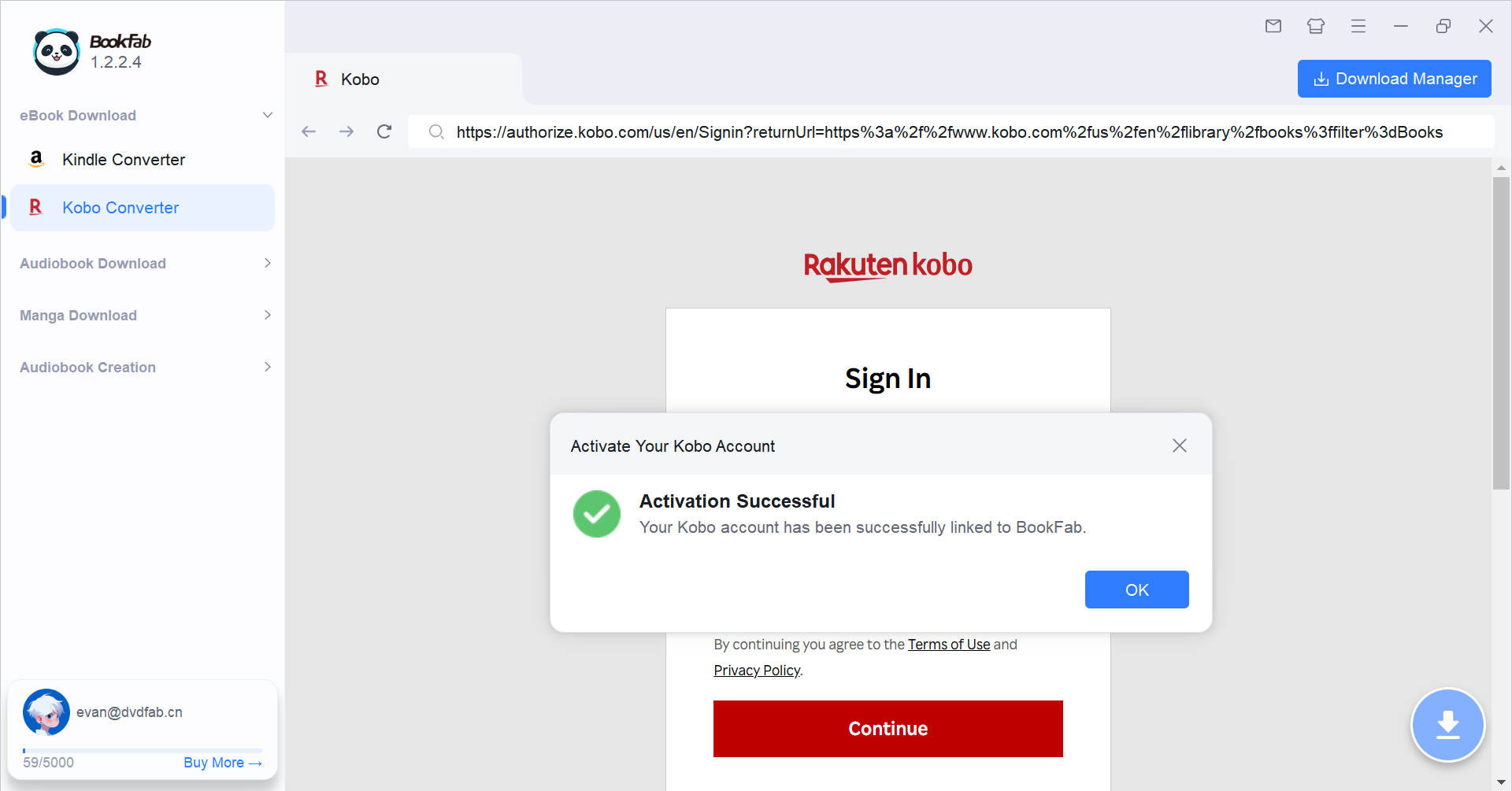
Click "Activate Now" in the pop-up window to open the Kobo activation page in your browser. Enter the activation code, then return to BookFab. You will then see a prompt showing "Activation Successful".
Step 3. Select and Parse Your eBook
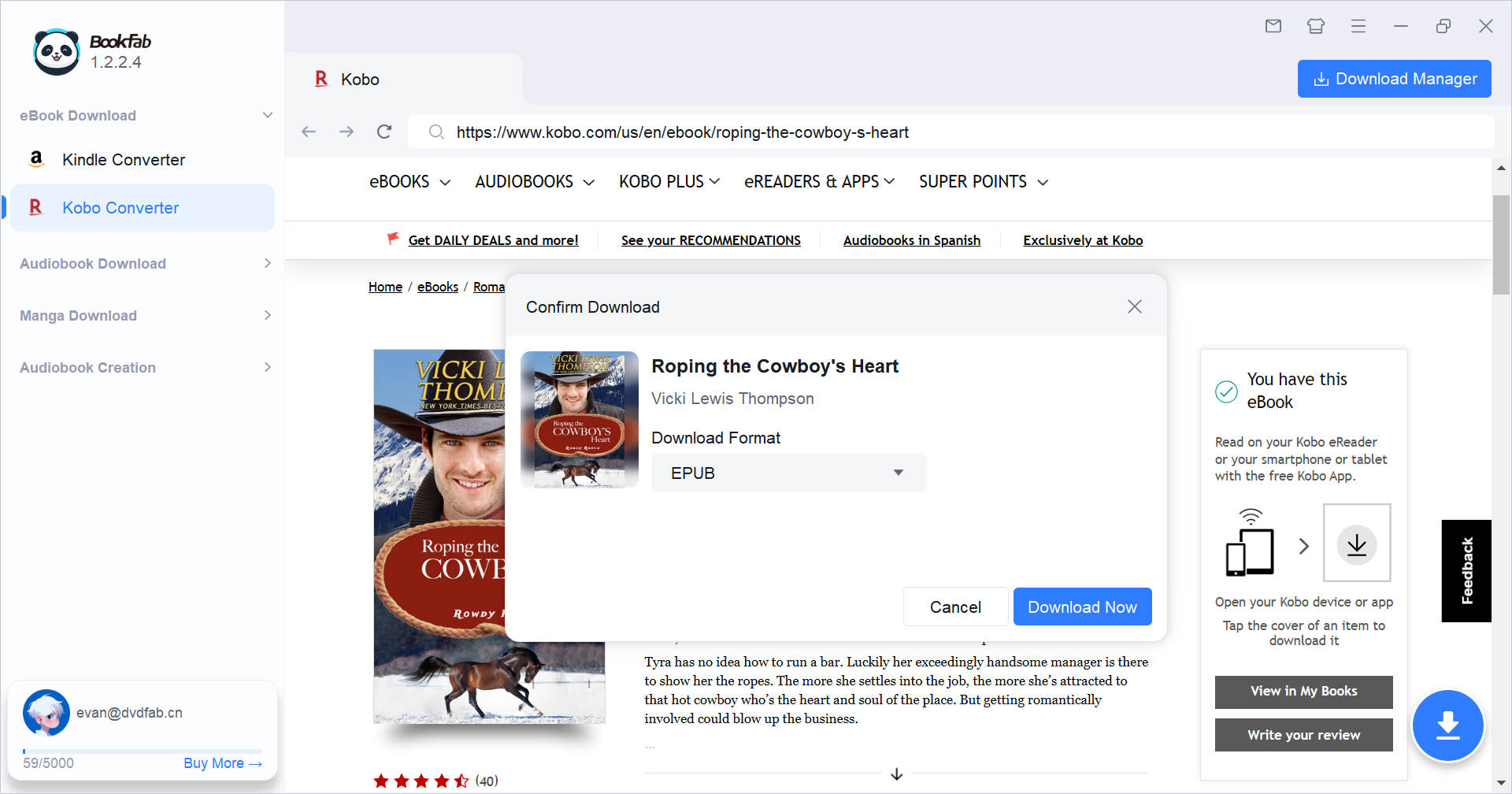
In the built-in browser, search for the eBook you want in your Kobo library. When you open its detail page, a prompt will appear asking you to confirm the download. Select a format (EPUB, PDF, or Original), then click "Download Now" to add it to Download Manager. The download begins automatically.
Step 4. Start Download and Monitor the Process
You can keep browsing while your books download. The Download Manager icon updates in real time to show active and queued tasks. The number on the icon indicates ongoing downloads you can monitor at a glance.

System Requirements

Icon
Windows 11/10 (32/64 bits)
4GB of RAM or above
40GB of free hard disk space or above
Live Internet connection required

Frequently Asked Questions

  • Is it legal to remove DRM from my Kobo eBooks?

    BookFab is for personal use only. If you own eBooks and use the converted files for private reading or backup, fair use is generally allowed in many areas. However, it is recommended to check your local copyright laws.

  • Can I convert Kobo eBooks into audiobooks with BookFab?
  • What devices can I use to read Kobo eBooks?
  • Can I download Kobo eBooks that I haven't purchased?
  • What should I do if BookFab fails to download a Kobo eBook?
  • Is there a free trial available before I purchase?