Download and Convert Audiobooks.com Titles for Offline Listening

Playback Freedom

Download Audiobooks.com Titles to Local Storage Easily

Download audiobooks from your Audiobooks.com library to your computer in a straightforward way. The downloader supports both purchased and credit-redeemed audiobooks, so you can manage your entire library in one place. Once saved locally, your audiobooks are easier to keep, back up, and move across devices without relying on a constant connection or a single app environment.
download audiobooks from your audiobooks.com library
Simplified Download Flow

Log In via a Built-In Browser for Auto Parsing

Sign in using the built-in browser and access your Audiobooks.com library without additional utilities. Once signed in, the software automatically detects available audiobook content and prepare it for download with minimal manual steps. This reduces the need to switch between tools, copy links, or troubleshoot browser plug-ins, and helps you start downloading easily.
sign in in-app and parse your library instantly
Multiple Audio Formats

Convert Audiobooks into MP3, M4A, FLAC, and More

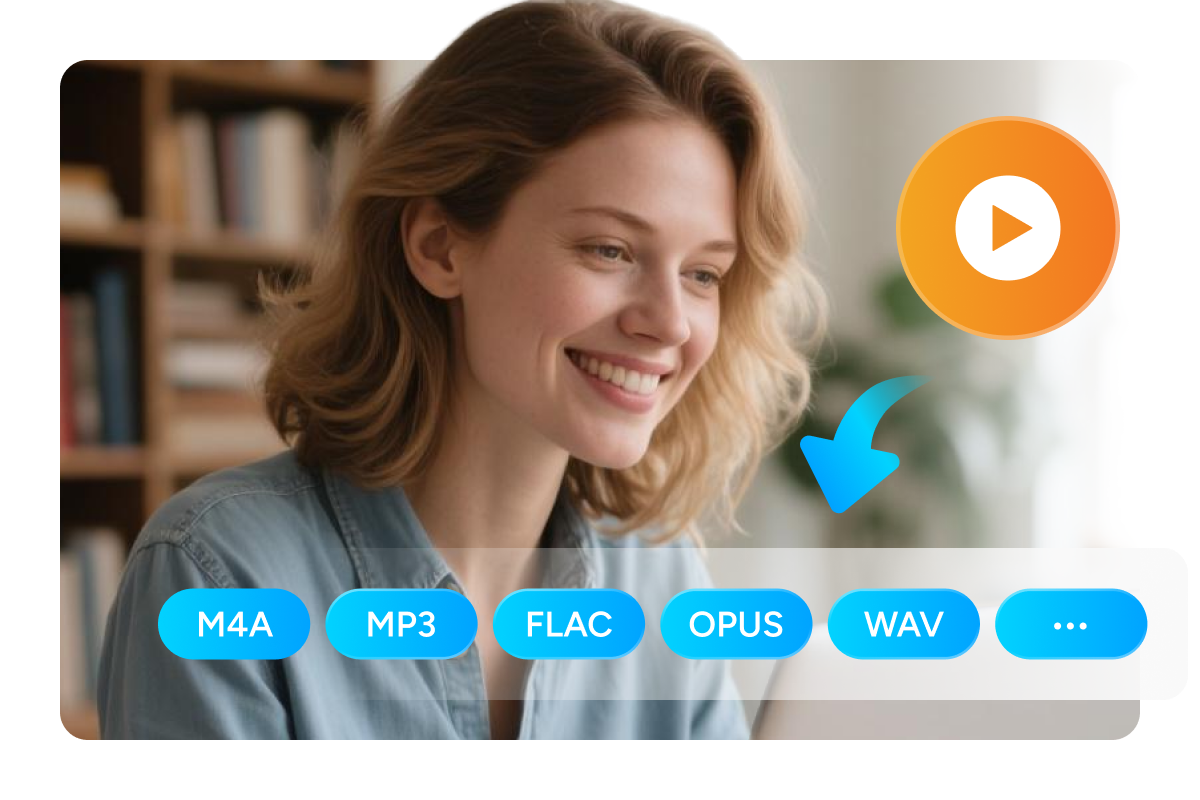
Convert your downloaded audiobooks to widely supported formats that work with a wide range of devices and players. You can choose MP3 for broad compatibility, M4A for modern playback ecosystems, FLAC for lossless listening, or pick OPUS and WAV for specific needs. These standard formats make it easier to enjoy audiobooks across phones, tablets, desktops, and car systems, and to keep one consistent format across your library.
convert audiobooks to open audio formats

Manage Your Download Tasks Effortlessly

Clean Library

Preserve Cover Art and Metadata for Easy Browsing

Keep your local audiobook collection organized and easy to browse. During download, this audiobooks downloader automatically packages key metadata such as cover image, book title, and total duration into the output files. This ensures cleaner and more searchable entries in your media players, keeping titles easy to recognize.
keep audiobook metadata intact
Batch Control

Queue Downloads and Manage Tasks with Clarity

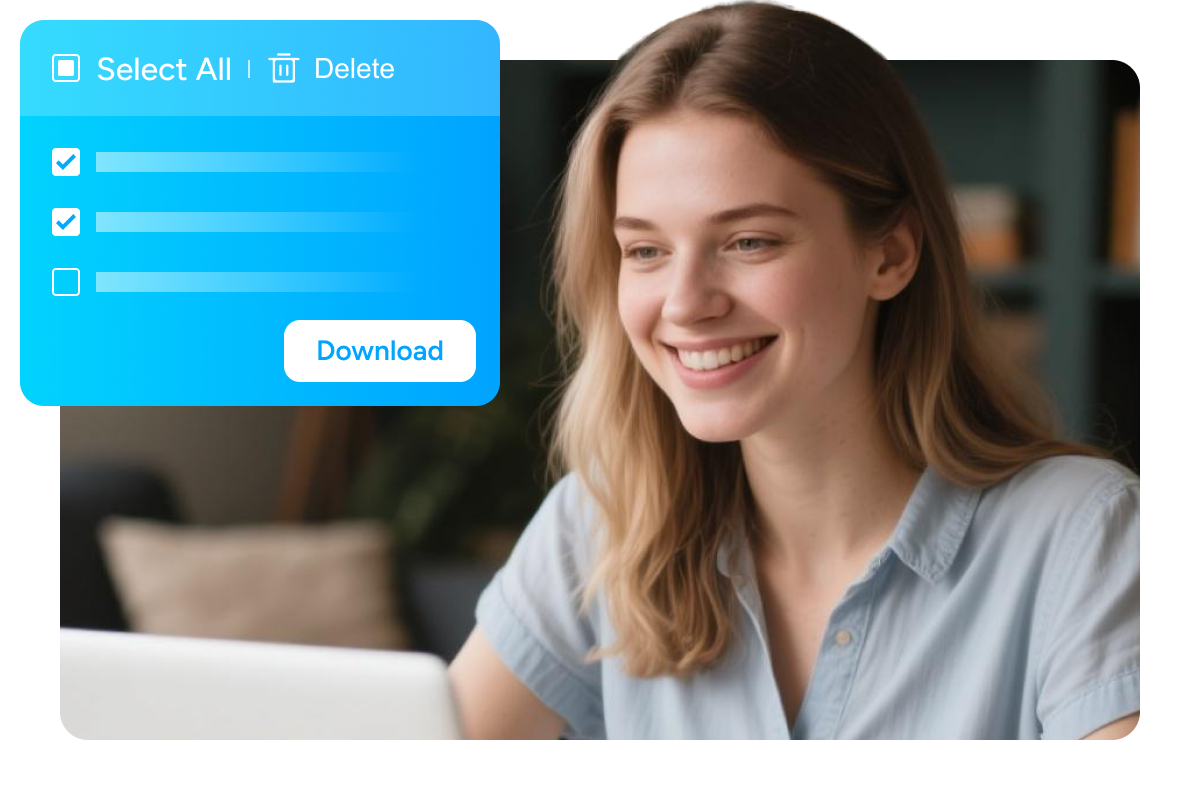
Handle multiple audiobook downloads via an integrated task manager. You can view clear statuses such as waiting, downloading, failed, and completed, which makes progress easy to track. The queue supports simultaneous downloads from Audiobooks.com, batch deletion for quick cleanup, and one-click access to output files.
monitor your download tasks in download manager panel

User Feedback on Audiobooks Converter

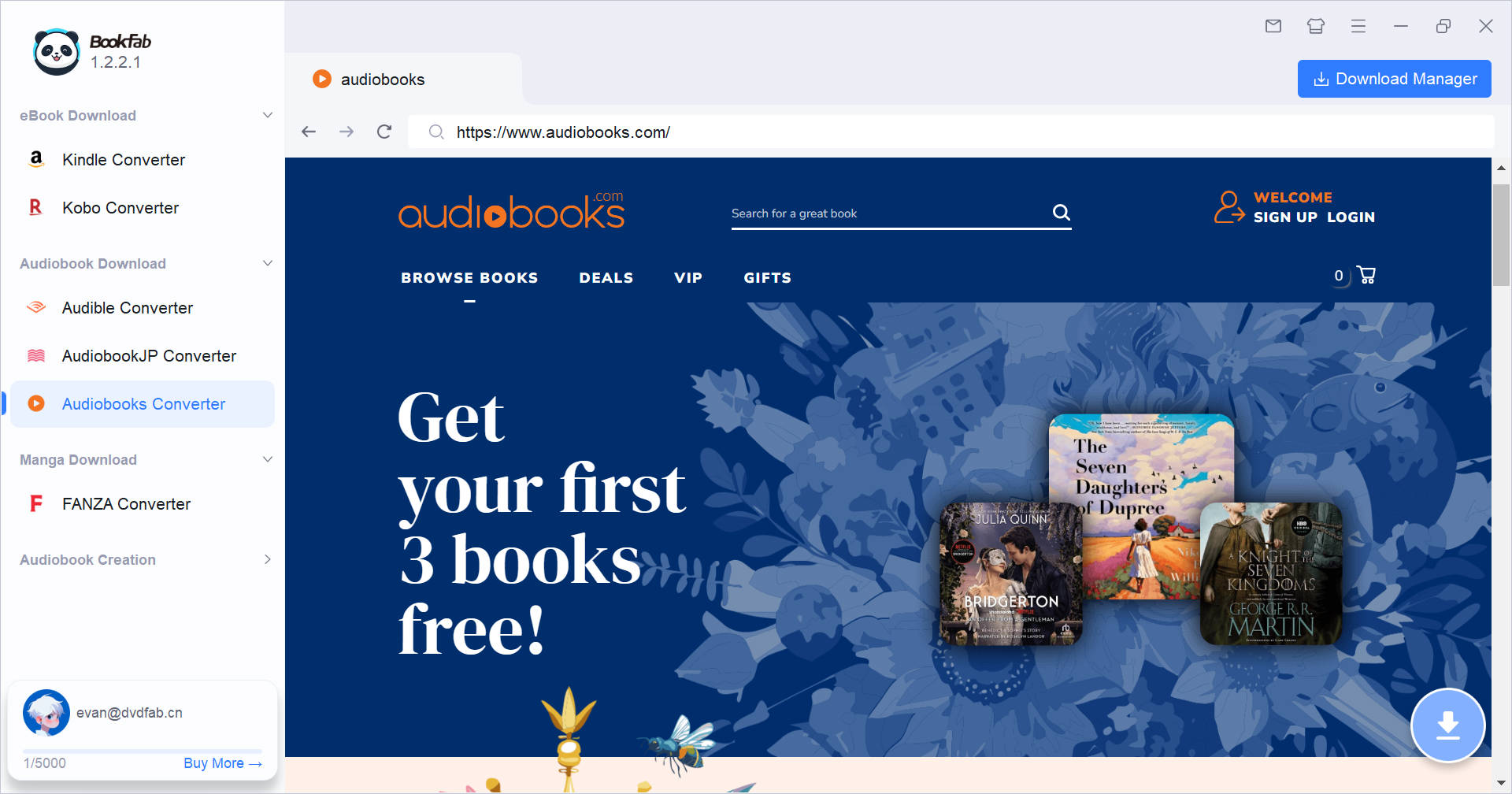
launch bookfab and select audiobooks converter in sidebar
Step 1. Open BookFab and Sign In
Launch BookFab. From the left sidebar, select Audiobooks Converter. Sign in to your Audiobooks.com account in the built-in browser. Then go to your Library and open the audiobook you want to download.
Step 2. Choose a Title and Start the Download
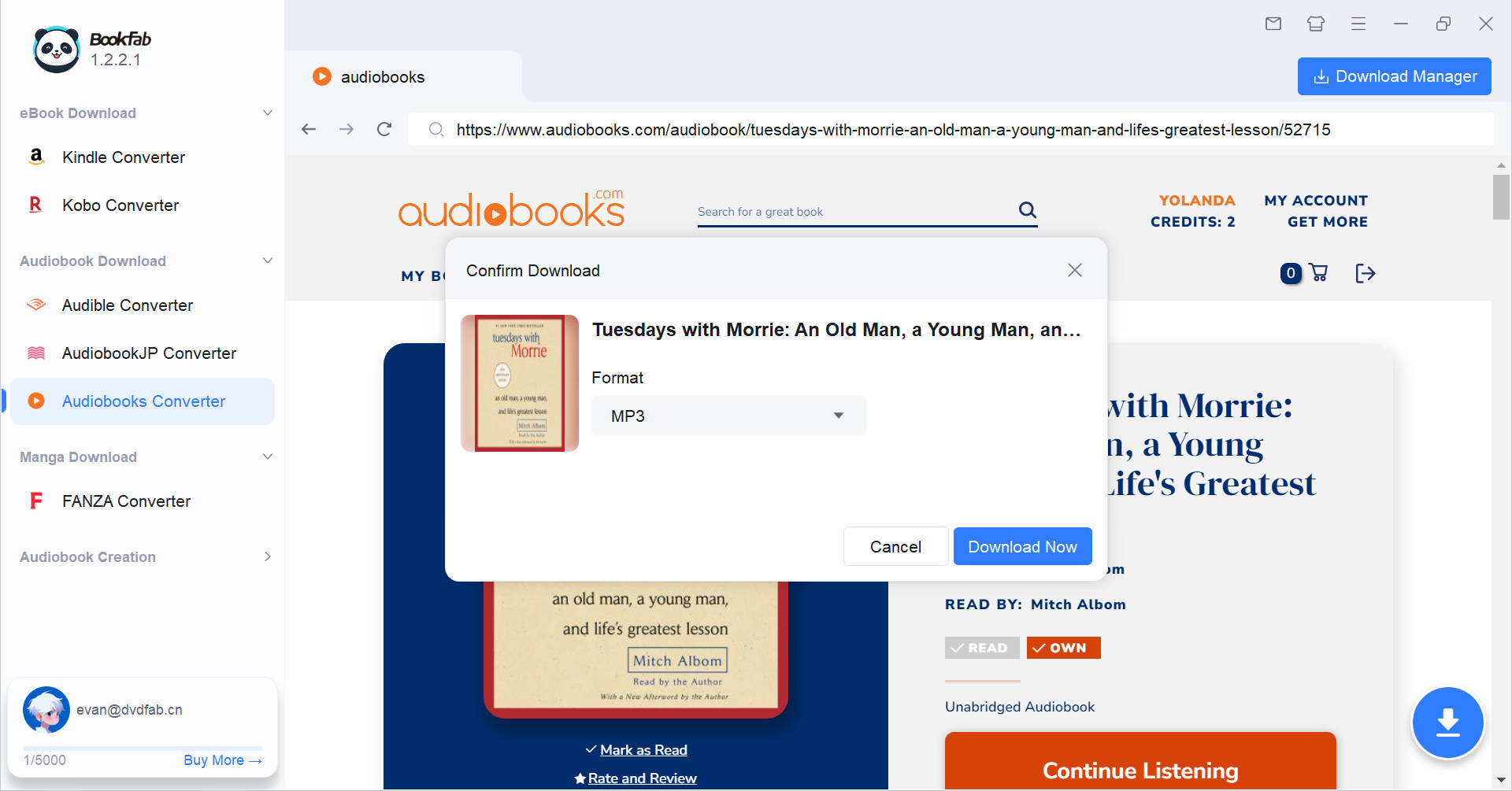
After you open the audiobook detail page, BookFab automatically analyzes the page and opens the Download dialog. Choose an output format, then confirm to start.
Step 3. Monitor Status in Download Manager
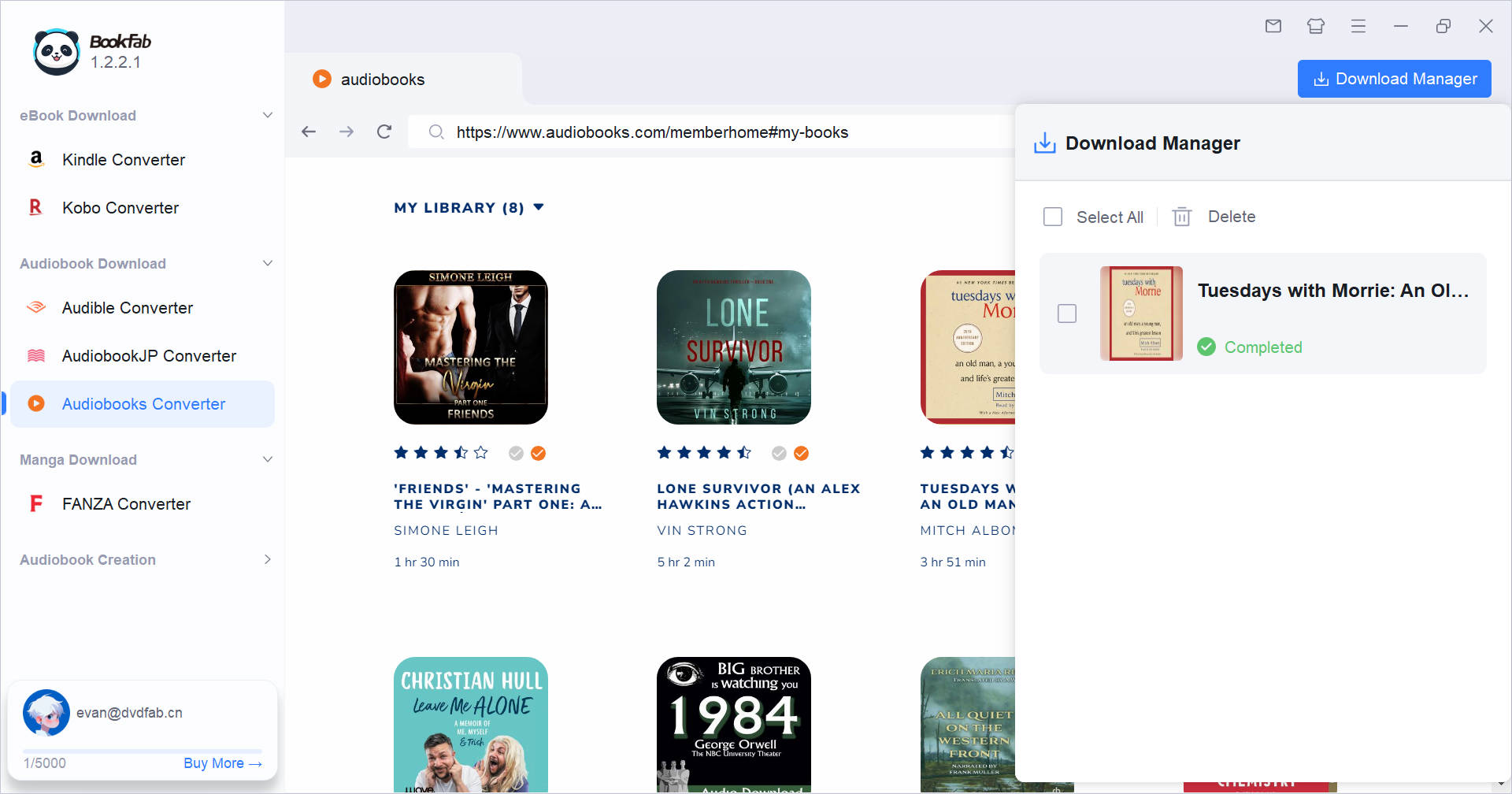
Use the Download Manager to track all ongoing tasks. You can view clear statuses without interrupting browsing, and add new tasks at any time. The number on the icon indicates ongoing downloads.

System Requirements

Icon
Windows 11/10 (32/64 bit)
4GB of RAM or above
40GB of free hard disk space or above
Live Internet connection required

Frequently Asked Questions

  • Is it legal to download audiobooks from Audiobook.com?

    You should only download audiobooks that you are authorized to access and strictly for personal use. In certain regions, this is permitted under the "fair use" doctrine. Please always ensure you are following your local copyright regulations.

  • Is there a free trial?
  • What can BookFab Audiobooks Converter download?
  • How do I choose an output format?
  • Is it safe to sign in through the built-in browser?
  • Where are my downloaded files saved?