BookFab ebookjapan Converter
Save your Yahoo! Japan manga collection forever. Read anywhere, on any device - no subscriptions, no restrictions.
Last Update: Apr 15, 2026
100% Safe & Clean
4.8(19)

Grab Your ebookjapan Collection, Keep It Forever
Own Your Content
Download Manga from Your Yahoo! Japan Library
With BookFab ebookjapan Converter, you can download your entire collection from ebookjapan.yahoo.co.jp - whether it's free content or titles you've purchased. The software removes ebookjapan DRM, making it easier to read beyond the official app and browser. Once downloaded, your manga lives on your hard drive, readable on any device, anytime, even without internet.
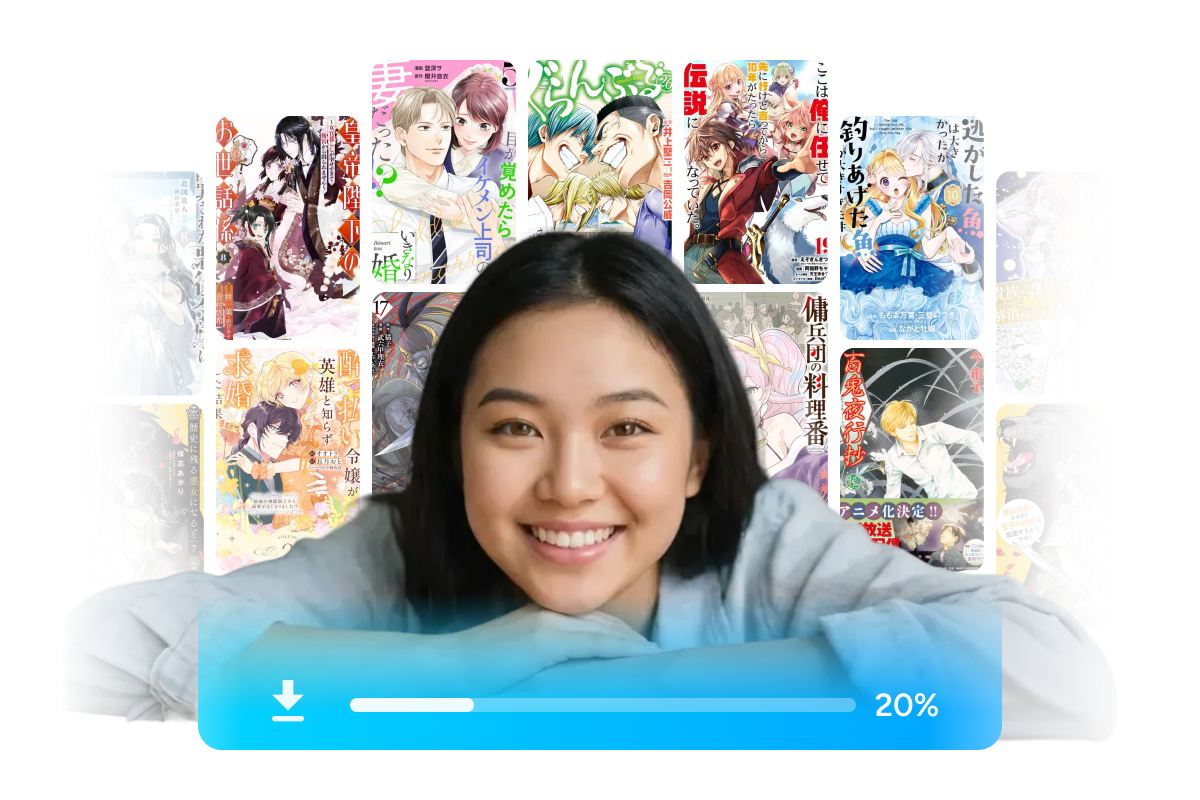
One-Click Detection
Browse and Download with the Built-In Browser
The built-in browser connects directly to your Yahoo! Japan account - no external applications needed. Simply browse your personal library within the app, pick any manga, and the system will automatically identify the content and prepare it for download. One click is all it takes to start the process.
Total Flexibility
Any Format You Want - PDF, EPUB, or Images
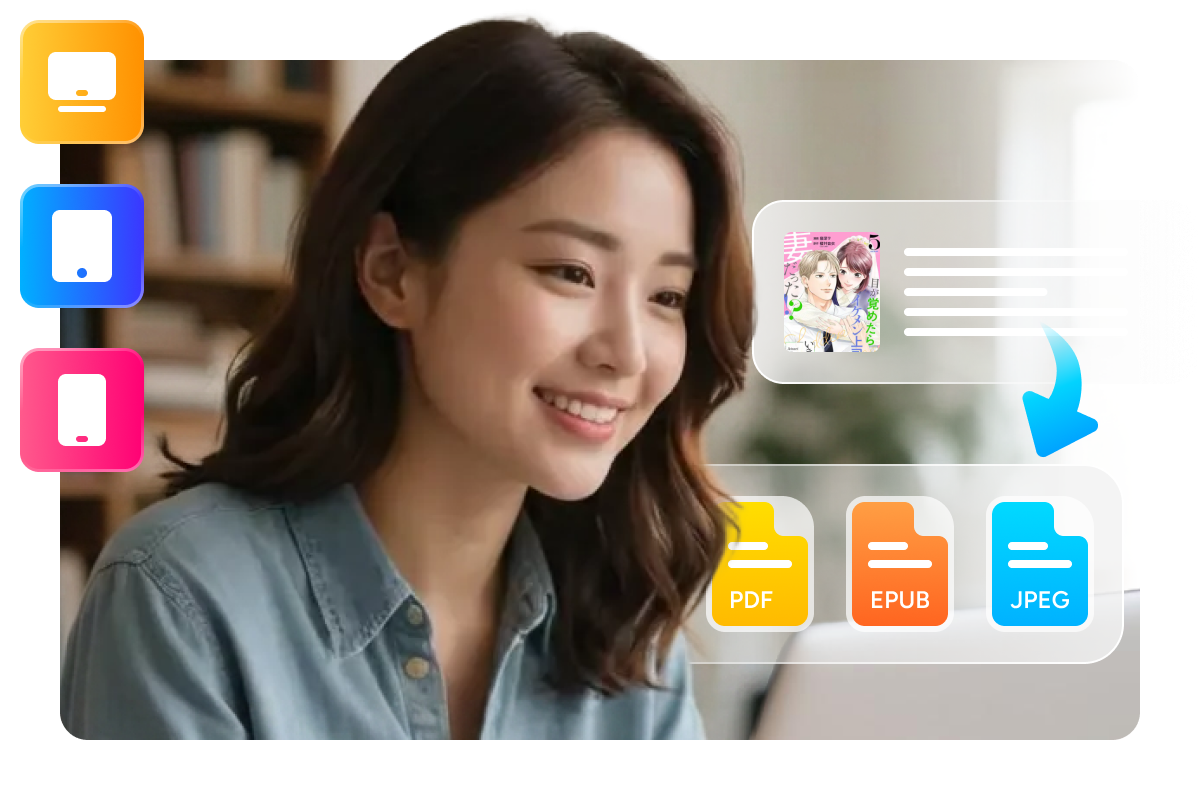
Choose the output format that best fits the way you read. PDF works great for fixed-layout comics, EPUB is ideal for e-readers, and JPEG preserves every original image as-is. Your manga adapts to whatever platform or device you prefer to read on.
Organized Downloads, Easier Management
Auto-Organization
Keep Downloaded ebookjapan Manga Well Organized
Every download includes the original cover art, series title, and chapter information. BookFab ebookjapan Converter automatically sorts your files into clearly labeled folders, making it easier to keep your local manga collection organized and easy to browse.

Multi-Task Power
Control Everything from One Dashboard
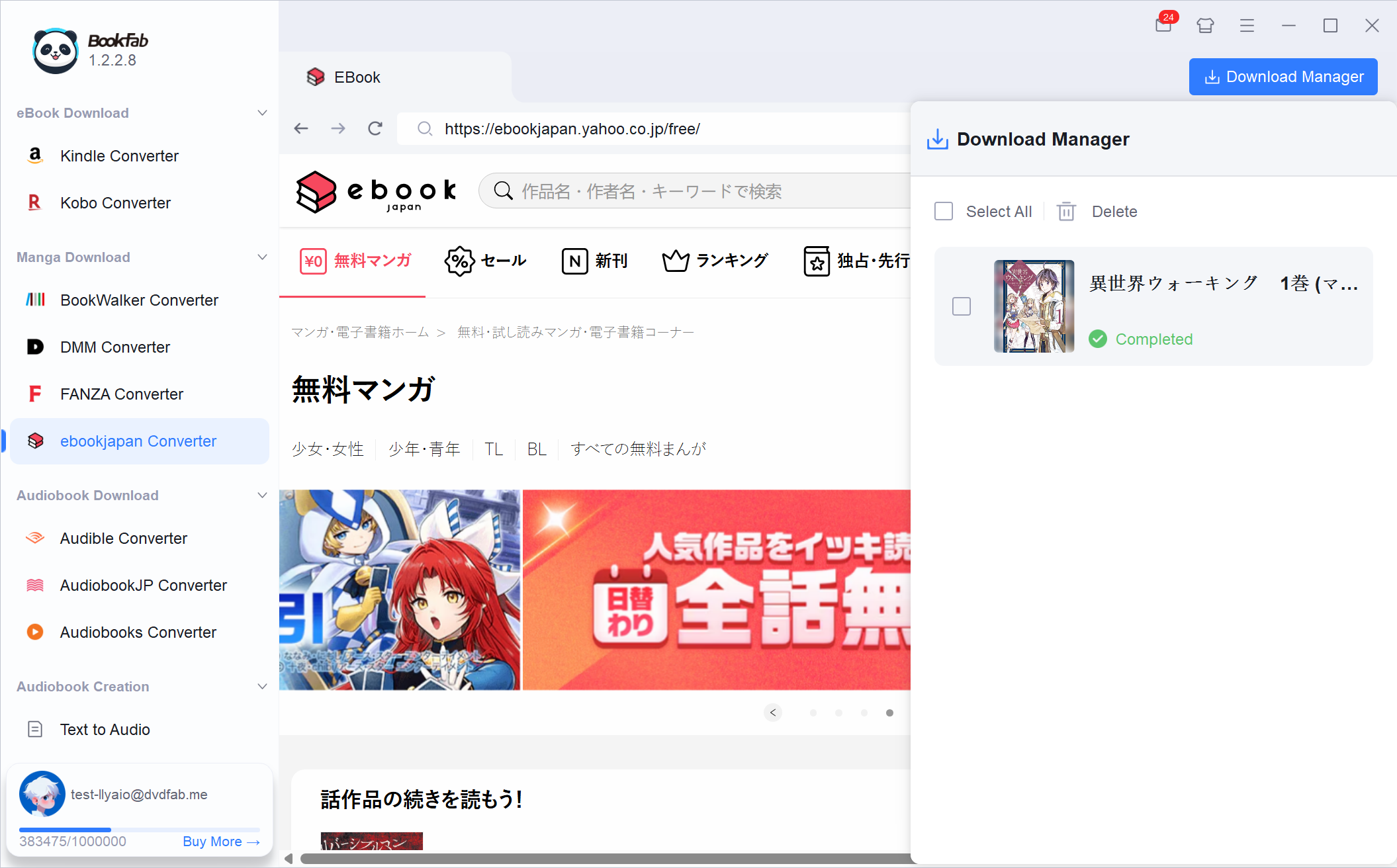
Monitor all your download tasks from one place. You can check real-time progress, see whether each task is waiting, processing, completed, or failed, remove unwanted items in batches, and open saved files with just a click.

Feedbacks on BookFab ebookjapan Converter

M
Miyuki Tanaka
Manga Shop OwnerMoving my ebookjapan manga to an e-reader has been fantastic with this tool. The conversion is fast, and the files retain their original formatting perfectly for offline reading.
K
Kenta Sato
University StudentThis ebookjapan downloader is so simple to use. The built-in browser is a standout feature - I can log in with my Yahoo! Japan account without opening any external browser windows.
M
Michael Brown
Software DeveloperThe best solution for ebookjapan library backup and saving manga in various formats. Now I can finally download my manga from Yahoo! Japan's platform.
Y
Yui Ito
Book ReviewerGreat product. Beyond manga, it also downloads illustrated light novels from ebookjapan with excellent output quality.
E
Emily Chen
Content WriterThis tool is a lifesaver for my manga collection. I can finally read my ebookjapan purchases on my Kindle without any hassle.
S
Sarah Johnson
Graphic DesignerI love that BookFab ebookjapan Converter supports PDF, EPUB, and JPEG formats. It adapts perfectly to all my different reading needs and devices.
M
Miyuki Tanaka
Manga Shop OwnerMoving my ebookjapan manga to an e-reader has been fantastic with this tool. The conversion is fast, and the files retain their original formatting perfectly for offline reading.
K
Kenta Sato
University StudentThis ebookjapan downloader is so simple to use. The built-in browser is a standout feature - I can log in with my Yahoo! Japan account without opening any external browser windows.
M
Michael Brown
Software DeveloperThe best solution for ebookjapan library backup and saving manga in various formats. Now I can finally download my manga from Yahoo! Japan's platform.
Y
Yui Ito
Book ReviewerGreat product. Beyond manga, it also downloads illustrated light novels from ebookjapan with excellent output quality.
E
Emily Chen
Content WriterThis tool is a lifesaver for my manga collection. I can finally read my ebookjapan purchases on my Kindle without any hassle.
S
Sarah Johnson
Graphic DesignerI love that BookFab ebookjapan Converter supports PDF, EPUB, and JPEG formats. It adapts perfectly to all my different reading needs and devices.
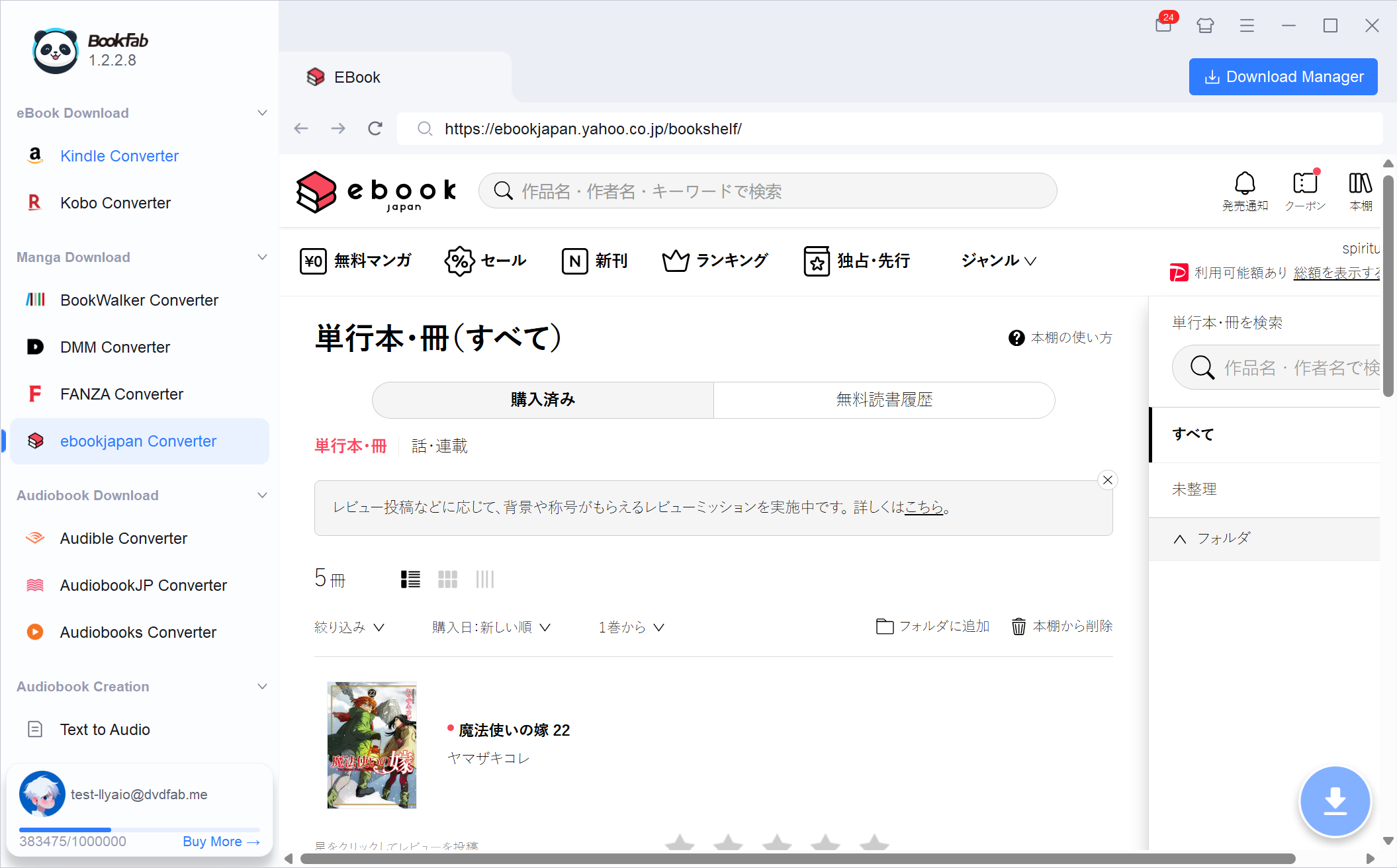
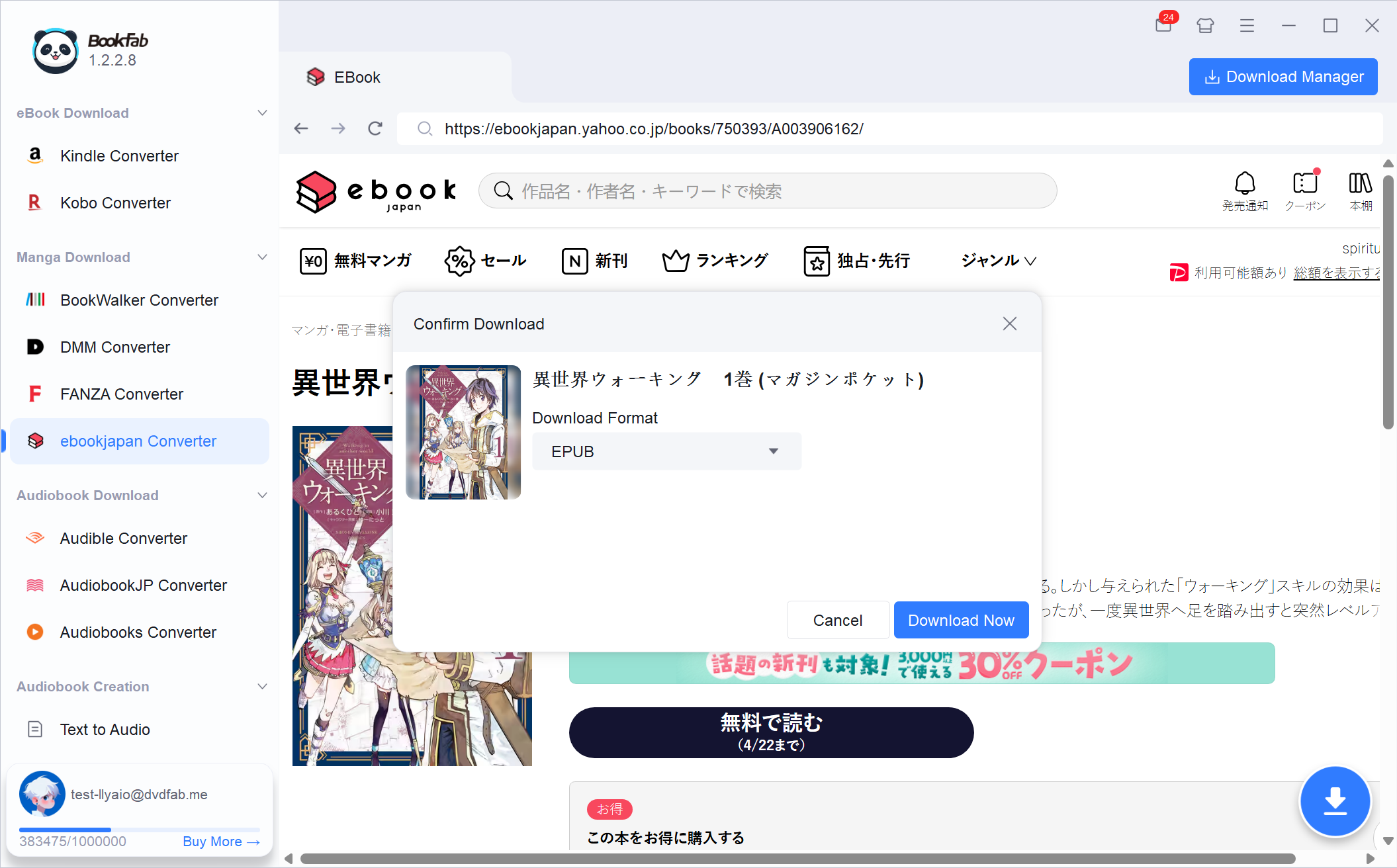
Step 1. Launch BookFab and Sign in
Launch BookFab and select "ebookjapan Converter" from the sidebar. The software's built-in browser will navigate directly to ebookjapan.yahoo.co.jp, where you can log into your Yahoo! Japan account to access your library.
Step 2. Select Manga and Output Format
Once the detail page loads, BookFab automatically parses the book and activates the download button. Click it, select your preferred format (PDF, EPUB, or JPEG), and hit "Download Now" to start.
Step 3. Monitor and Add More Tasks
Click on the Download Manager to monitor the progress of your tasks. You can continue browsing your ebookjapan.yahoo.co.jp library and adding new manga to the queue while other downloads are in progress.
System Requirements

Windows 11/10 (32/64 bits)
4GB of RAM or above
40GB of free hard disk space or above
Live Internet connection required
Frequently Asked Questions
- Does ebookjapan Converter work with my Yahoo! Japan account?
- What kinds of content can I download from ebookjapan?
- What's included in the free trial?
- Which devices can I read my downloaded ebookjapan books on?
- Will the converter affect my manga quality or layout?
- How does the built-in browser keep my account secure?